Menus and QR ordering
Keep your catalog in one place and let customers open the menu and order page in their phone browser, without installing an app.
Make bills at the counter, let guests order by scanning a QR menu and send orders straight to the kitchen screen. Keep stock, customer details and staff work together in the same app.
GST and business registration proof are optional; you can skip that step when creating your account.
Restaurant service moves quickly. An order at the counter, a customer scanning a table QR code and a kitchen preparing the next dish all need the same information. Fuell AI connects those activities through restaurant tools rather than asking each team to maintain a separate record.
Start with the everyday tasks your outlet needs: menus, counter billing, QR ordering, tables and kitchen displays. Connect inventory and buying to keep purchasing close to day-to-day service. As your business grows from a single counter to multiple outlets, use the wider platform for customer relationships, team roles and help with repeat work.
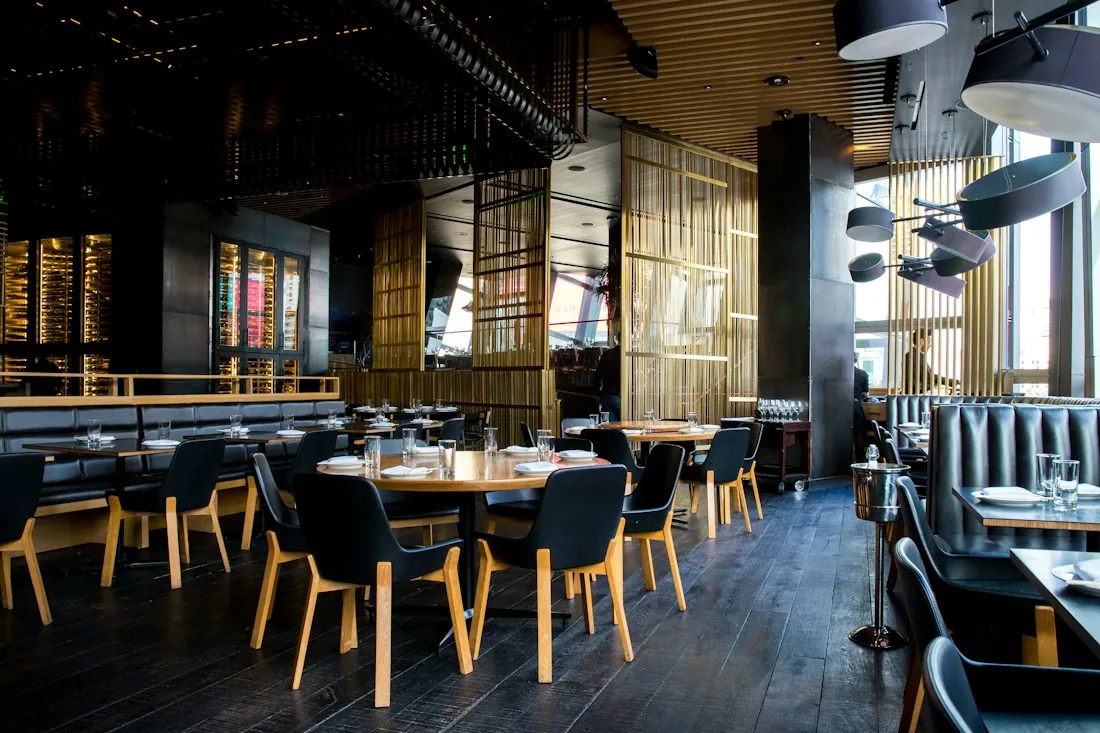 Illustrative photo
“Fuell AI has simplified the way we manage our restaurant. From orders and billing to daily operations, everything is organized in one platform. It's easy to use and saves our team valuable time.”
The details that make your day
Keep your catalog in one place and let customers open the menu and order page in their phone browser, without installing an app.
Each table or counter order reaches the kitchen display with its table and items, so front-of-house and the kitchen work from the same order.
Manage stock, purchase orders and suppliers alongside sales, making it easier to plan what to replenish.
Use counter billing and customer tools to connect everyday transactions with conversations and follow-ups.
Choose with your team
For restaurants and cafés that want counter orders, table QR ordering, kitchen work and purchasing in the same app. Start with your current menu and the roles of counter, kitchen and management staff.
Bring any existing printer, payment or delivery connection requirements to your demo. Confirm those requirements with the team before replacing a tool your outlet depends on.
Open a sample menu by QR, choose an item and follow the order through the kitchen and billing steps.
Check an item's stock record, supplier and purchase order with the person responsible for buying.
Choose the restaurant business type, configure your menu and select the operational tools you need.
Invite counter, kitchen and management staff with roles suited to their responsibilities.
Explore automation for order handling and customer notifications, then choose paid categories as your needs develop.
Restaurant / café plan: ₹199/month. Includes Customers & support, Licences & renewals, Products & orders, Spaces & bookings, Stock & buying, Help with daily tasks. Free everyday tools are included. Extra add-ons are ₹99/month each; Don AI and Goal planning are ₹149/month each. Start your first plan with a 3-month trial for ₹1. Find your business plan ↗
Before you start
Explore Fuell AI
A closer look at the platform, or a conversation with us.